Trusted by 150,000+ event teams G2 4.8 ★★★★★ Capterra 4.8 ★★★★★ SOC 2 Type II View all features → Book a demo

Pricing
New: RSVPify Cue is in early access for RSVPify for Enterprise workspaces.Get access
Meet RSVPify Cue, your event chief of staffBETA

Plan every event
in plain English.

RSVPify Cue is the privacy-first AI chief of staff for event planners, drafting event websites and landing pages, running campaigns, generating imagery, building reports, and standing up real-time agents that watch your workspace and act right on cue. You focus on the room.

Available on RSVPify for Enterprise Privacy-first by design Your data never trains external models
RSVPify Cue AI
Online · Annual Gala 2026
Build a beautiful site for our Annual Gala, grab our brand from acmefoundation.org.
Fetching brand · logo, palette, type
Logo
Palette
TypeSora·Inter
Drafted in your brand, hero with countdown, three-track agenda, speakers, sponsors, RSVP form pre-wired. Open live draft?
Building live site
Generate a hero image, gold-hour ballroom, candlelit tables, warm and editorial.
Composing 4 variants · brand-tuned palette
4 variants ready, web-optimized. Picked variant 2, warmest tone, matches your brand serif. Want vertical crops for email and social?
Draft a four-touch invitation campaign for our top accounts.
Drafting four emails · tone-shifted per tier · in your voice
Four emails drafted. Top-tier tone is warmer and first-name personal. Review and tweak before I send?
Why is Q3 underperforming Q2? Make me a report.
Cross-event analysis · six events · finding drivers
$284/attendee
▼ 12% vs Q2
Avg revenue
62%
▲ 4 pts
RSVP rate
14
never followed up
Dormant accounts
Avg revenue down 12%. Top driver: 14 priority accounts never got the follow-up outreach. Full PDF report ready to share.
SMS me whenever a VIP checks in.
Subscribing to check-in events · filtering by VIP tag
VIP check-in SMS
Fires when a VIP-tagged guest checks in
Agent live
Custom agent built and live. First match texts you in real time. All actions audit-logged. Add another for “Slack me on suspicious signups”?
acme-gala.rsvpify.com
Oct 14 · Chicago
Acme Customer Summit 2026
Three days. One room. The future of customer ops.
Register →
Agenda
9:00Opening keynote. Maya Chen, CEO
10:30Panel: scaling customer ops
12:00Networking lunch
acme. · Annual Gala Invitation
Eleanor, save the date. Oct 14

Dear {first_name},

It’s that time of year. Our 2026 Annual Gala is on October 14 in Chicago, and we’d be honored to see you there.

This year’s program features keynote remarks from our incoming chair and a tribute to founding partners.

RSVP →
Q3 vs Q2 Performance
Cross-event · 6 events · generated by Cue
Q2 avg revenue per attendee$322
Q3 avg revenue per attendee$284
Dormant accounts flagged14
Agents & scheduled actions
EVENT
AGENT
VIP check-in SMS
This event · when a VIP-tagged guest checks in · live
SYSTEM
AGENT
High-ticket-sale ping
Workspace · ticket revenue > $10k · pings #revenue
SCHED
Publish “Acme Customer Summit” event
Mon Jun 16 · 9:00 AM ET · one-off
SCHED
Weekly registration recap
Mondays · 9:00 AM ET · recurring
Enable, disable, or cancel any from the Agents panel

One chat. Multiple superpowers.

Describe what you need. Get a real result.

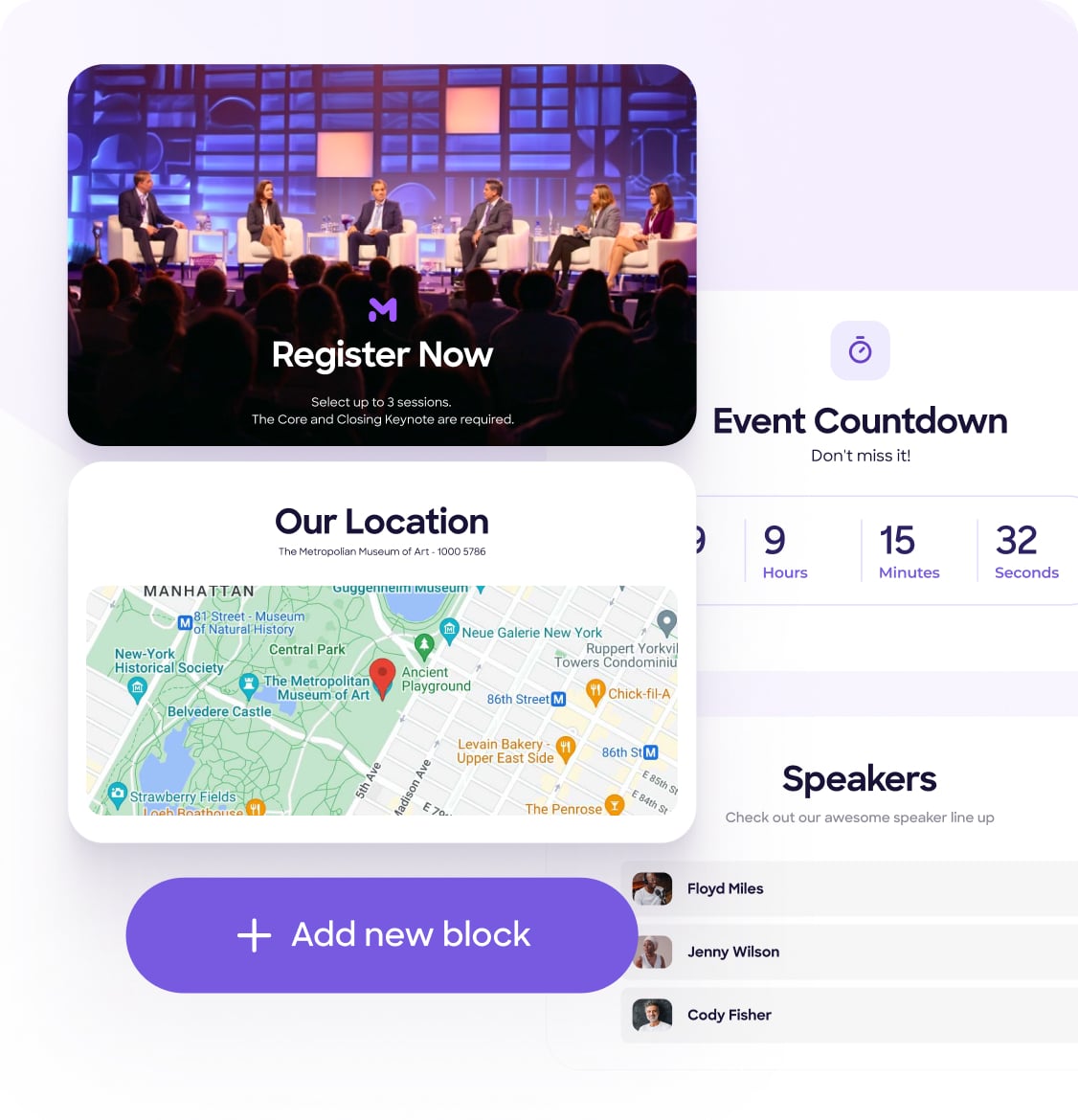
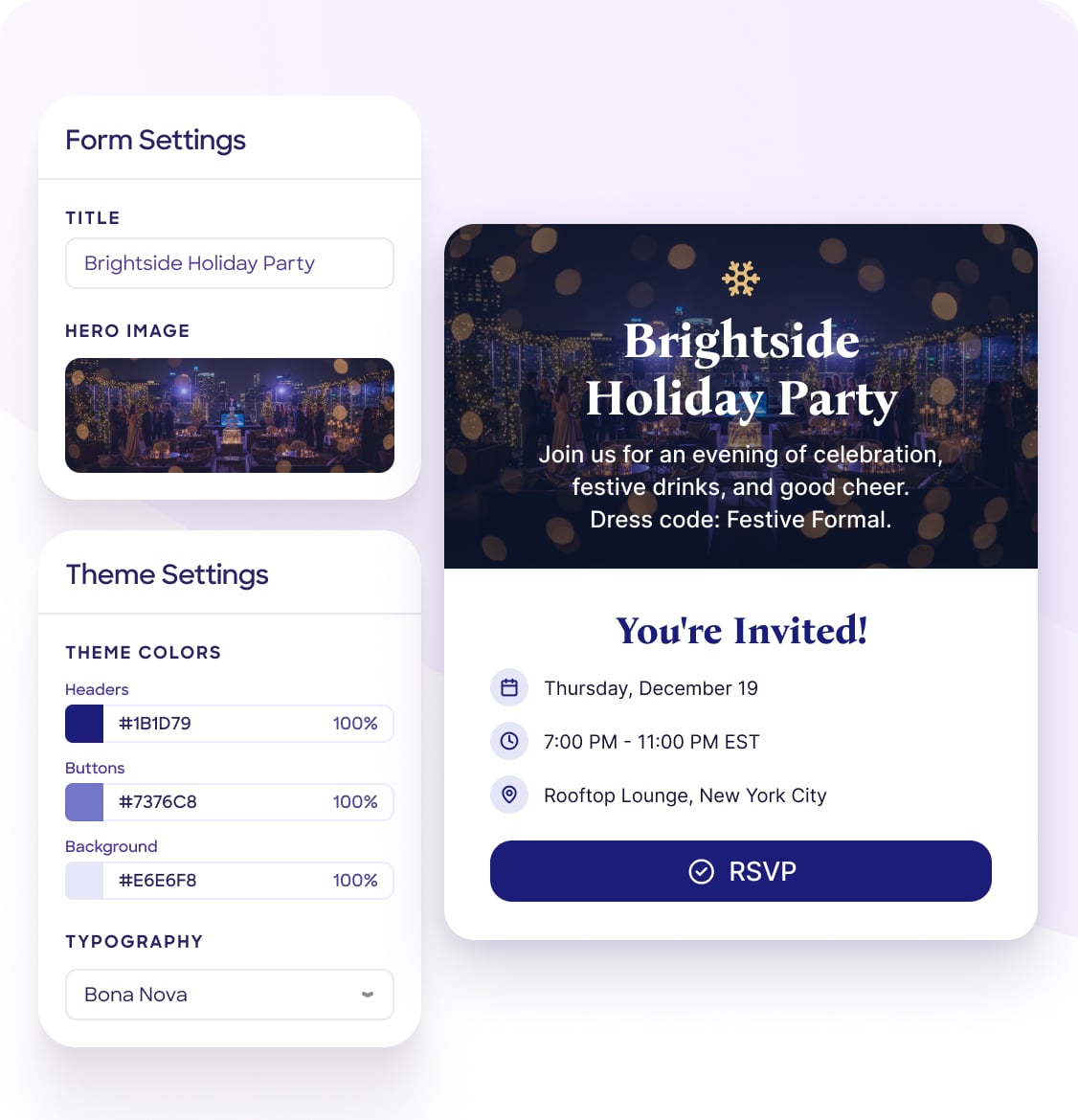
Branded landing page mock
Brand-aware sites

Full event sites drafted in your brand.

YouBuild a landing page for our customer summit. Use our brand.
CueLanding page drafted in your brand. Live preview ready.

Point Cue at a URL or brand kit. It fetches colors, type, and voice, then drafts the full site or a single landing page.

AI image variants
AI imagery, on brand

Hero art tuned to your palette.

YouGenerate a hero image. Warm and editorial.
Cue4 variants ready, on-brand, web-optimized.

Save-the-date art, social images, hero photos. Every asset tuned to your palette and voice, sized for web.

Email campaign sequence
Content & campaigns

Multi-touch campaigns in your voice.

YouDraft a four-touch invitation campaign.
Cue4 emails drafted, tone-shifted per account tier.

Invitations, reminders, agendas. Drafted in your brand voice and ready for one-click review.

Q3 vs Q2 revenue report
Reports & exports

Executive answers, not spreadsheets.

YouWhy is Q3 underperforming Q2?
CueAvg revenue down 12%. 14 dormant accounts. Full PDF ready.

Cross-event analysis, executive summaries, year-end recaps. Exported to PDF, XLSX, or CSV in seconds.

VIP check-in SMS notification
Agents on cue

Real-time actions in plain English.

YouSMS me whenever a VIP checks in.
CueAgent live. Watching check-in events for VIP-tagged guests.

Custom agents scoped to an event, workspace, or system. Every action audit-logged like a human user.

Workspace context file
Workspace memory

Learns your organization once.

YouRemember our voice is warm and direct.
CueSaved to workspace. Every future answer honors it.

A workspace context file every Cue prompt pulls from. Brand voice, fiscal year, dietary defaults, naming rules. Once, for everyone.

SOC 2 Type IISSO & SAMLGDPR · CCPADPA & MSA99.9% uptime
Workspace memory

RSVPify Cue remembers the things that make your workspace yours.

Every workspace has rules a new team member shouldn’t have to ask twice about, brand voice, fiscal calendar, dietary defaults, how you tag VIPs, what counts as a “complete” RSVP.

Cue keeps a workspace context file that every prompt automatically pulls from. Any admin can edit it. When you tell Cue “remember our brand voice is warm and direct”, it just appends it.

  • Plain-text. Searchable. Editable by any admin.
  • Versioned and audit-logged, see who changed what and when.
  • Applied automatically to every prompt, no copy-paste, no reminders.
  • Never shared across workspaces or with model providers.
Workspace context · Acme Galas
Last edited by Maya, 2 minutes ago
Auto-attached to every Cue prompt

Our team runs ~14 events per year. Mostly customer events and product launches; some are board/investor.

Brand voice: warm, direct, never corporate-jargony. We say “guests” not “attendees.”

FY runs Apr 1 → Mar 31. Q4 = Jan–Mar.

When asked about revenue, use net (after Stripe fees), not gross.

+ Dietary defaults: vegetarian + gluten-free always offered. Kosher/halal by request.
Saved by Cue · “remember our dietary defaults”
Admin controls + governance

The only AI you’ll feel safe giving the keys to.

Workspace admins decide when RSVPify Cue is on, who sees what, and exactly what guest data it can read. Every change is audit-logged. Disabling Cue or PII access wipes all conversation history, by design.

  • Explicit terms-of-use acceptance before activation.
  • Workspace-level PII switch, flip aggregates-only on demand.
  • Audit log of every Cue action, attributable to a user.
  • Your data is never used to train foundation models.
  • SOC 2 Type II · GDPR · CCPA aligned.
Cue settings · Workspace
Active
Allow guest data access (PII)
Names, emails, dietary, addresses · workspace-wide
Audit log
Every prompt + admin action recorded
Use my data for model training
We never do this · permanently off
Agents & scheduled actions

Watches what matters.
Acts right on cue.

Ask Cue for an agent, event-level, workspace-wide, or system-wide. Or schedule a one-off action for later. Both live in panels you can review, toggle, or cancel any time. Every action they take is audit-logged just like a human user’s.

You“SMS me whenever a VIP checks in, and ping #revenue if any workspace event sells over $10k in tickets.”
Agents
Automations Cue runs in your workspace. Turn them on or off.
VIP check-in SMS
“SMS me when a VIP checks in”
When a guest checks inThis event12 runs · last fired 2m ago
High-ticket-sale ping
“Ping #revenue if any workspace event sells over $10k in tickets”
When ticket sales hit a thresholdWorkspace3 runs · last fired yesterday
Spammy-signup Slack alert
“Send a Slack notification if a user signs up and seems spammy”
When a signup looks suspiciousSystempaused · 4 runs total
Scheduled actions
Enable, disable, or cancel what Cue has scheduled.
Publish event. Publish “Acme Customer Summit 2026” on Monday at 9am
Jun 16, 2026 · 9:00 AM ETPublish
Send T-2 week reminder email, top accounts
Jun 30, 2026 · 8:00 AM ETSend
Weekly registration recap, all live events
Mondays · 9:00 AM ET · recurringRecap
Why Cue

Built for planners. Not bolted on for attendees.

Most event AI is either a flashy attendee chatbot or a content-only writing helper. RSVPify Cue does the actual planner work, and the data and trust controls to back it up.

Capability
RSVPify Cue
Planner-side · built-in
Attendee-side chatbots
Premium add-ons for the mobile app
Generic writing assistants
Content drafting on enterprise tiers
Plan availabilityRSVPify for EnterprisePremium add-onEnterprise tier
Conversational queries over live event data✓ Across every eventAttendee-facing onlyLimited
Drafts websites, landing pages, forms, emails, in your brand✓ All four×✓ Content only
Persistent workspace memory across prompts✓ Editable context file×Per-event only
Cross-event analytics in chat✓ Workspace-wideSingle-eventReports, not chat
Custom agents built in natural language, event, workspace, or system-level✓ Built in, audit-logged like a user××
Admin-level PII switch + audit log✓ Built inEnterprise contracts✓ Enterprise tier
Connect to Slack, Gmail, Salesforce, Notion✓ Native integrationsLimited✓ Enterprise tier

Based on the prevailing pattern across publicly available event-AI products as of 2026. Individual products vary; some may exceed the categories shown.

Privacy-first AI · partnered with Cloudflare

Your event data never trains someone else’s model.

RSVPify Cue runs on secure AI models delivered through Cloudflare’s network, closer to your data, with contractual guarantees that no customer data is ever used for external training. Choose to run Cue without any guest PII at all, and it still works for everything except guest-specific personalization.

Powered by Cloudflare AI

Secure models, delivered at the edge.

RSVPify is partnered with Cloudflare to deliver Cue through their secure AI inference platform. That means lower latency, stronger isolation, and binding contractual terms, including no use of your data for training by any model provider, ever.

  • Inference runs on Cloudflare’s global network, your data stays in transit-encrypted channels at the edge.
  • Zero retention for training. Prompts and outputs aren’t sent to model providers for fine-tuning, reinforcement learning, or any downstream model improvement.
  • Workspace-level PII switch, turn off guest data entirely. Cue still drafts content, builds sites, runs reports, just without seeing names, emails, or dietary info.
  • Strict tenant isolation, your workspace data never appears in another workspace’s responses, in any form.
SOC 2 Type II
Annually audited. Same compliance posture as the rest of RSVPify, no separate AI security review needed.
No model training, contractually
Cloudflare-delivered models are bound by zero-retention terms. Your data isn’t used for any model provider’s training pipeline.
Workspace PII switch
One control for the whole workspace. Run Cue without guest PII at all, it still does the work, just without seeing personal data.
Agents are first-class actors
Every prompt, draft, send, and agent action is recorded with the acting user. Agents are flagged in logs just like the humans who created them, full audit trail, exportable for compliance.
Common questions

FAQ

How is Cue different from ChatGPT or Microsoft Copilot?

Generic chatbots don’t have access to your live RSVPify data. You can describe your event to them, but they can’t tell you who actually RSVPd, which guests have dietary restrictions, or what your Q3 attendance trends look like, and they certainly can’t draft a website or send an email blast inside RSVPify. RSVPify Cue is built into the platform and reads your real workspace data, with the same permissions and audit controls you already use.

How is Cue different from other event-AI products?

Most event-AI today falls into two buckets. Attendee-side chatbots live in the event mobile app and answer questions like “where’s the keynote.” Writing assistants on enterprise platforms draft content for emails, websites, and landing pages. Cue is built for the planner, the person doing the work, with persistent workspace memory across events, conversational queries over live data, and admin-level data controls. It doesn’t sit behind a premium tier or enterprise-only contract.

What does Cue need to be turned on?

A workspace admin enables Cue for the workspace, accepts the Cue AI Terms of Use, and decides whether to allow guest-data (PII) access. Both settings can be changed any time. Non-admin users can request access, but only an admin can enable or disable.

Is my guest data used to train AI models?

No. We have a contractual no-training clause with our model providers. Workspace data, including PII, conversation content, and uploaded files, is processed for the duration of the request only. It is not retained for training, and cached results are wiped on schedule. Full details are in our Data Processing Addendum.

What happens to chat history if I disable Cue or turn off PII access?

By design, disabling Cue or turning off PII access permanently deletes all Cue conversation history for the workspace, including chats started by other users. We do this to avoid orphaned records containing data the workspace has now told us it doesn’t want processed. The action requires a typed “I understand” confirmation from the admin.

Can I build my own agents? What about workspace-wide or system-level ones?

Yes, just ask Cue. “SMS me when a VIP checks in” gets you a scoped event agent. “Ping #revenue when any workspace event sells over $10k in tickets” gets you a system-level one. There’s no separate agent-builder UI to learn; Cue interprets the request, wires up the trigger, and lists the new agent in your Agents panel with an enable/disable toggle. Every action an agent takes is recorded in the audit log just like a human user’s actions, so admins always know who did what.

Can Cue make changes to my events without me reviewing first?

Cue can prepare drafts, emails, websites, landing pages, forms, seating charts, automations, but nothing publishes, sends, or goes live until a human approves. The few exceptions (e.g. saving to workspace context when you say “remember…”) are clearly toasted and reversible from the audit log.

Does Cue work with Slack, Gmail, Salesforce, Notion, HubSpot…?

Yes. Cue uses RSVPify’s existing integrations. If your workspace has Salesforce connected, Cue can read and write to it through that connection, within the permissions your admin has scoped. Same for Slack notifications, Gmail drafts, Notion docs, and Calendly slots.

Which plans include Cue?

RSVPify Cue ships with RSVPify for Enterprise. It’s bundled into the Enterprise plan at no separate add-on cost, there’s no premium tier sitting on top of it. If you’re on a different plan and want Cue, talk to our Enterprise team about upgrading.

Is Cue in beta?

Cue is currently in early access on RSVPify for Enterprise. Capabilities, availability, usage limits, and pricing may change before general availability. We’re rolling out to Enterprise workspaces in waves, if you’d like priority access for your team, book a demo and we’ll get you in.

RSVPify MCP

Already have an AI you love?
Connect it through our MCP.

RSVPify ships a Model Context Protocol server so any MCP-capable assistant. Claude, ChatGPT, Cursor, your own, can read your live event data and act on it through natural language. Same governance, same audit log, your tools.

Explore the RSVPify MCP
claude · connected to rsvpify-mcp
you ›How many RSVPs across all live events this week?
reading list_events · list_guests
cue.ai ›2,847 RSVPs across 5 events. Customer Summit is highest at 1,204.
you ›Draft a Slack message for the team summarizing.
tool compose_slack · ready to send

Stop digging through dashboards.
Just ask Cue.

Available on RSVPify for Enterprise. Set up in under five minutes, talk to our team about getting your workspace onboarded.