Trusted by 150,000+ event teams G2 4.8 ★★★★★ Capterra 4.8 ★★★★★ SOC 2 Type II View all features → Book a demo

Pricing
Meet RSVPify Cue, your event ops teammateBETA

Plan every event
in plain language.

RSVPify Cue is the privacy-first event ops teammate. From creating branded event websites and landing pages, launching email campaigns, building reports, and automating workflows, Cue does the heavy lifting so you can focus on the room.

Book a demo
Available on RSVPify for Enterprise Privacy-first by design Your data never trains external models

Trusted by event teams at

Your team was hired to create experiences, not to copy and paste them.

The moments that matter happen in the room. Most of the hours disappear long before anyone gets there. Cue takes the repeatable work off your plate, so your team can focus on the room, not the admin.

See what Cue can do

What Cue Can Do

If you can do it in the RSVPify platform, Cue can handle it with superhuman speed.

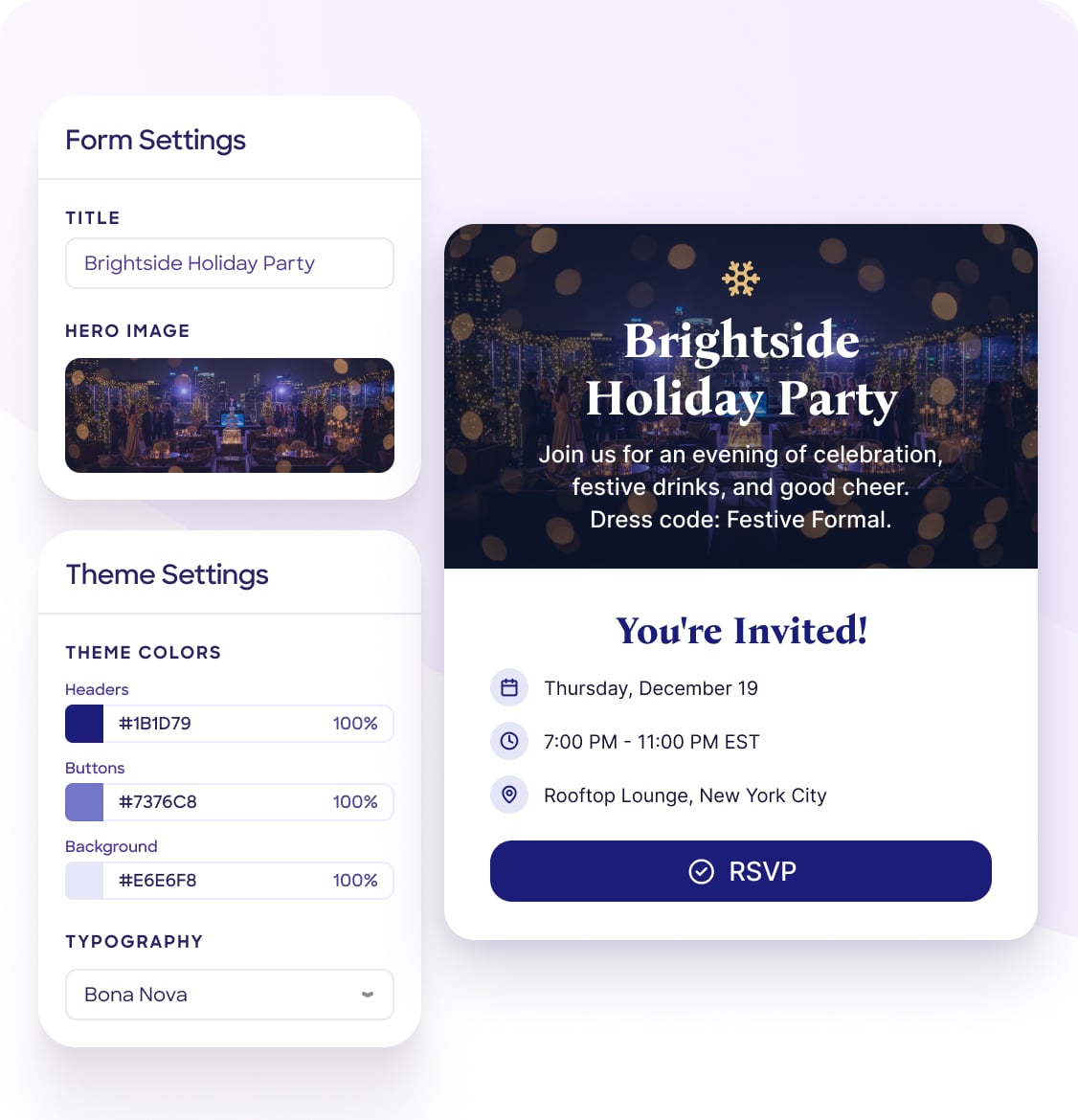
Branded landing page mock
Brand-aware sites

Full event sites drafted in your brand.

YouBuild a landing page for our customer summit. Use our brand.
CueLanding page drafted in your brand. Live preview ready.

Point Cue at a URL or brand kit. It fetches colors, type, and voice, then drafts the full site or a single landing page.

AI image variants
Event design, on brand

Hero art tuned to your palette.

YouGenerate a hero image. Warm and editorial.
Cue4 variants ready, on-brand, web-optimized.

Save-the-date art, social images, hero photos. Every asset tuned to your palette and voice, sized for web.

Email campaign sequence
Content & campaigns

Multi-touch campaigns in your voice.

YouDraft a four-touch invitation campaign.
Cue4 emails drafted, tone-shifted per account tier.

Invitations, reminders, agendas. Drafted in your brand voice and ready for one-click review.

Q3 vs Q2 revenue report
Reports & exports

Executive answers, not spreadsheets.

YouWhy is Q3 underperforming Q2?
CueAvg revenue down 12%. 14 dormant accounts. Full PDF ready.

Cross-event analysis, executive summaries, year-end recaps. Exported to PDF, XLSX, or CSV in seconds.

VIP check-in email notification
Automated workflows

Real-time actions in plain English.

YouEmail me whenever a VIP checks in.
CueAutomation live. Watching check-in events for VIP-tagged guests.

Custom automations scoped to an event, workspace, or system. Every action audit-logged like a human user.

Workspace context file
Workspace memory

Learns your organization once.

YouRemember our voice is warm and direct.
CueSaved to workspace. Every future answer honors it.

A workspace context file every Cue prompt pulls from. Brand voice, fiscal year, dietary defaults, naming rules. Once, for everyone.

SOC 2 Type IISSO & SAMLGDPR · CCPADPA & MSA99.9% uptime

AI your security team can say yes to.

Your event data never trains someone else's model.

Powered by Cloudflare AISecure models delivered at the edge, with zero-retention terms for every model provider.
SOC 2 Type IIGDPRCCPASSO & SAML99.9% uptime
Our privacy & security practices

Human approval, always

Nothing goes live without a person's OK.

Never used for training

Contractual no-training terms.

Workspace PII switch

Run Cue without guest personal data.

Full audit trail

Every action logged to a user.

Tenant isolation

Your data never crosses workspaces.

Admin controls

Admins decide who uses Cue and what it sees.

You stay in charge. Cue does the legwork.

No new tool to learn and no prompt engineering. Cue lives inside the RSVPify workspace your team already uses.

1

Ask in plain language

Type what you need the way you'd brief a colleague.

2

Cue builds it in your workspace

With your live data, your brand and your permissions.

3

You review and approve

Everything arrives as a draft. Publish or send when you're ready.

4

Cue keeps it running

Automations and scheduled actions keep working, fully audit-logged.

One teammate for every team that touches the event.

Event operations

Run more events with the same team, without the late nights.

Marketing & brand

Every page, email and image stays on brand, automatically.

Leadership & finance

Clear answers on attendance and revenue across every event.

IT & security

Admin controls, a PII switch, audit logs and a no-training guarantee.

Built for planners. Not bolted on for attendees.

Most event AI is either an attendee chatbot or a content-only writing helper. Cue does the actual planner work, with the data and trust controls to back it up.

CapabilityRSVPify CuePlanner-side · built inAttendee-side chatbotsAdd-ons for the event appGeneric writing assistantsContent drafting only
Conversational queries over live event data✓ Across every eventAttendee-facing onlyLimited
Drafts websites, landing pages, forms and emails in your brand✓ All four×Content only
Persistent workspace memory across prompts✓ Editable context file×Per-event only
Cross-event analytics in chat✓ Workspace-wideSingle eventReports, not chat
Custom automations built in natural language✓ Built in, audit-logged××
Admin-level PII switch + audit log✓ Built inContract dependentHigher tiers
Connects to Slack, Gmail, Salesforce, Notion✓ Native integrationsLimitedHigher tiers

Based on the prevailing pattern across publicly available event-AI products as of 2026. Individual products vary.

Already have an AI assistant you love?

Connect Claude, ChatGPT or any MCP-ready assistant to your RSVPify workspace. Same governance, same audit log.

Explore the RSVPify MCP

Common questions

How is Cue different from ChatGPT or Microsoft Copilot?

Generic chatbots can't see your live RSVPify data or build anything inside your workspace. Cue is built into RSVPify: it reads your real events, guests and registrations with the same permissions and audit controls you already use, and it creates real sites, forms, campaigns, reports and automations.

Is my guest data used to train AI models?

No. We have contractual no-training terms with our model providers. Workspace data, including guest PII, conversation content and uploaded files, is processed only for the duration of the request. Full details are in our Data Processing Addendum.

Can Cue publish or send anything without my approval?

No. Cue prepares drafts of websites, landing pages, forms, emails, seating charts and automations, but nothing publishes, sends or goes live until a person approves it. Small actions such as saving a note to workspace memory are clearly flagged and reversible from the audit log.

What does it take to turn Cue on?

A workspace admin enables Cue, accepts the Cue AI Terms of Use and decides whether Cue can access guest personal data. Both settings can be changed at any time. Want to see it first? Book a demo.

Can I build my own automations?

Yes, just ask Cue. "Email me when a VIP checks in" gets you an event automation. "Ping #revenue when any event sells over $10k in tickets" gets you a system-level one. Each one appears in your Automations panel with an enable and disable toggle.

Does Cue work with Slack, Gmail, Salesforce and Notion?

Yes. Cue uses RSVPify's existing integrations, within the permissions your admin has scoped.

Is Cue in beta?

Cue is in early access and rolling out to workspaces in waves. Capabilities and usage limits may change before general availability. Book a demo and we'll get your team priority access.

Stop digging through dashboards.
Just ask Cue.

Available on RSVPify for Enterprise. Talk to our team about getting your workspace onboarded.

Book a demo