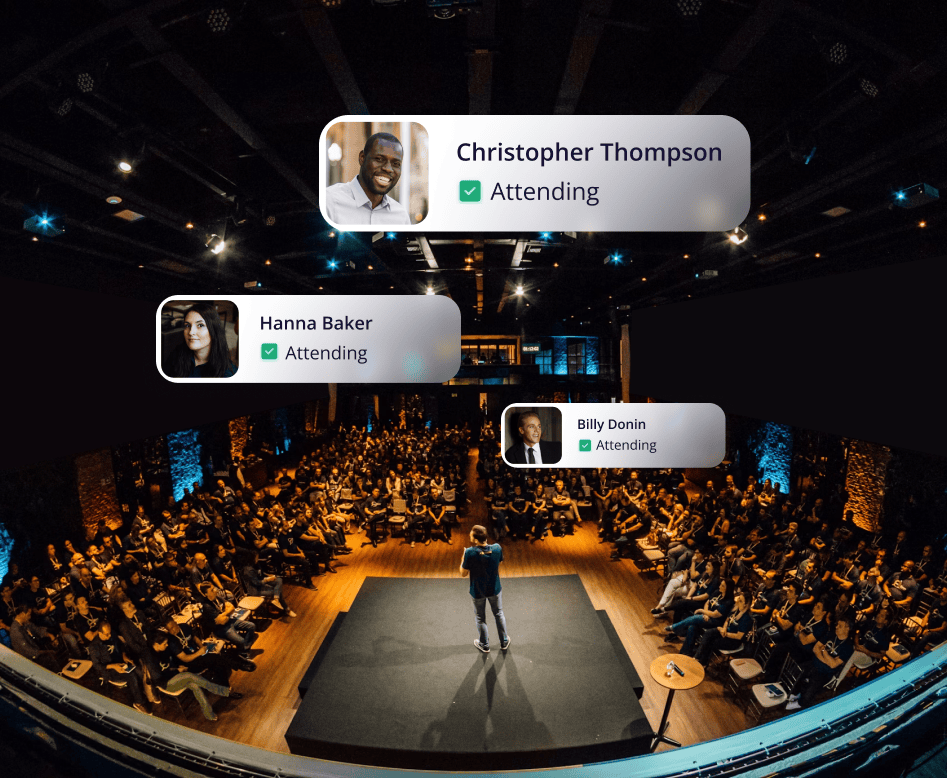
Automatically create or match Leads and Contacts in Salesforce as registrations come in. No manual list building, CSV uploads, or middleware required.
Create a Salesforce Campaign for every RSVPify event, with Campaign Member status mapped across the full event lifecycle from invitation to attendance.
Use attendance and engagement data as Salesforce-native signals to improve lead scoring, segmentation, and post-event follow-up routing.
Pull contacts directly from Salesforce into RSVPify to build accurate, up-to-date invite lists.
Access accurate event performance directly in Salesforce. Connect attendance to Campaigns to show pipeline and revenue impact.


Setup takes just a few minutes. Go to Workspace Settings, open the Integrations tab, and authorize the connection by logging into your Salesforce account. Once connected, RSVPify guides you through configuration.
Yes. During setup you choose exactly which Salesforce fields are included in the integration, so you have full control over what data is shared between platforms. Note that field mapping is configured once at setup and can't be changed afterward, so we recommend reviewing your selections carefully, or testing in a Salesforce sandbox first.
Yes! By linking RSVPify event data with Salesforce, you can assess event performance against key metrics and measure ROI effectively. Salesforce allows you to see how many guests converted to leads, completed follow-up actions, or contributed to sales pipelines, giving you a clear picture of your event's impact on business objectives.
Yes. The integration is built on a secure, reliable API and follows Salesforce-compliant data models and syncing standards, ensuring real-time accuracy across your teams without compromising your data integrity.
Get registrations, sell tickets, check-in guests and much more
Create My Event Free