
Trusted by over a million event creators
Friendsgiving Planning Tools
RSVPify enables hosts to send beautiful friendsgiving invitations, track RSVPs, coordinate potluck dishes, and manage every detail.
RSVPify enables hosts to send beautiful friendsgiving invitations, track RSVPs, coordinate potluck dishes, and manage every detail.
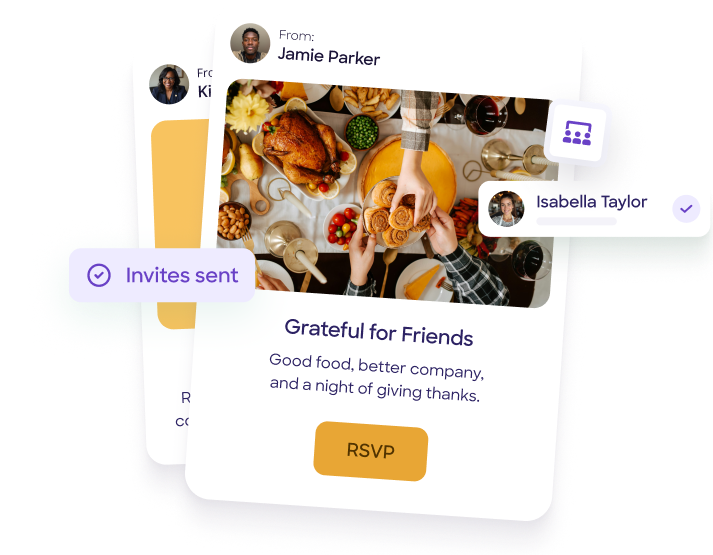











From sending your first friendsgiving invitations to checking guests in at the door, RSVPify gives you all the tools to plan a stress-free celebration. Our platform is designed for real people planning real gatherings.

Customizable Online Invitations
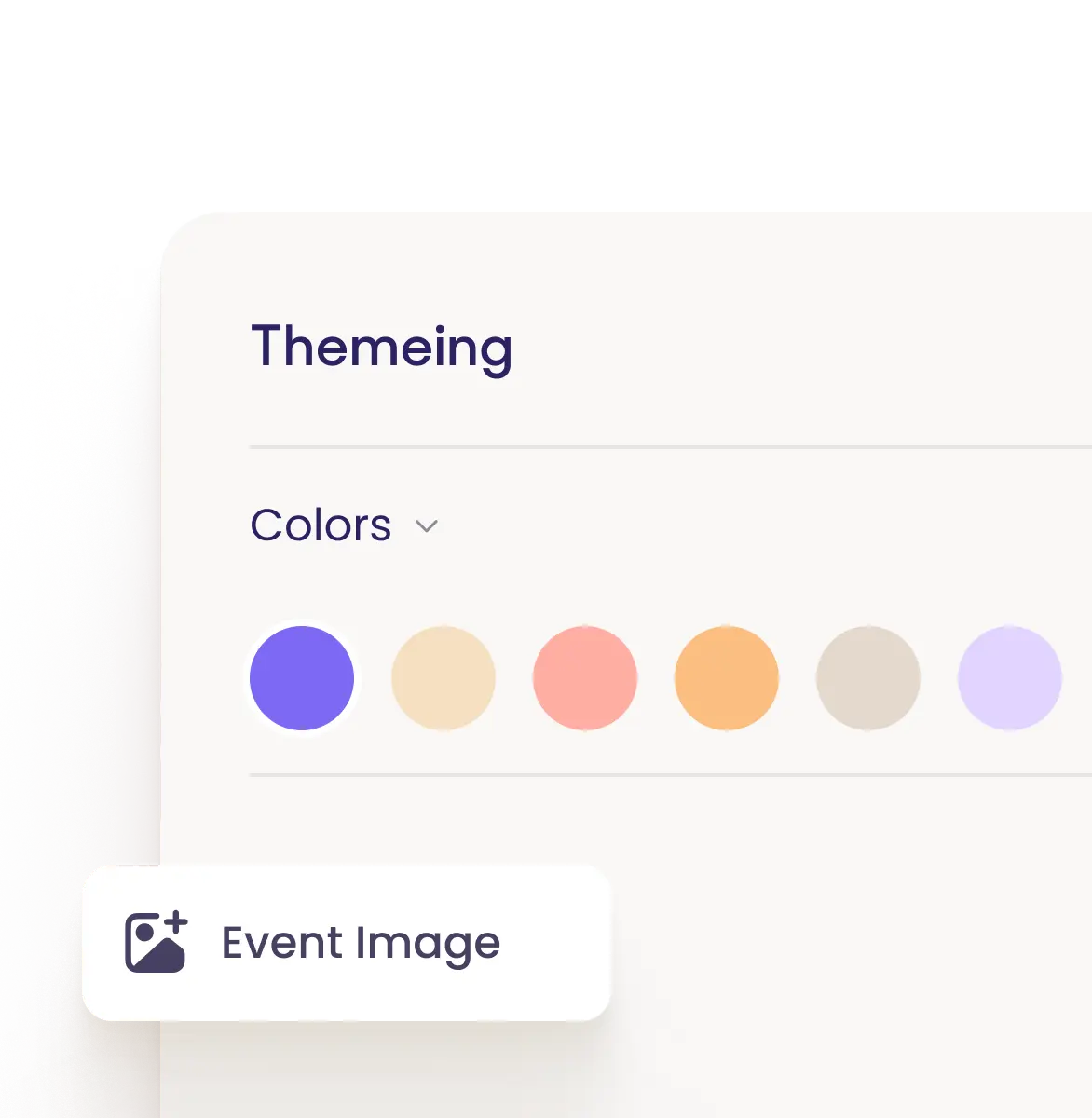
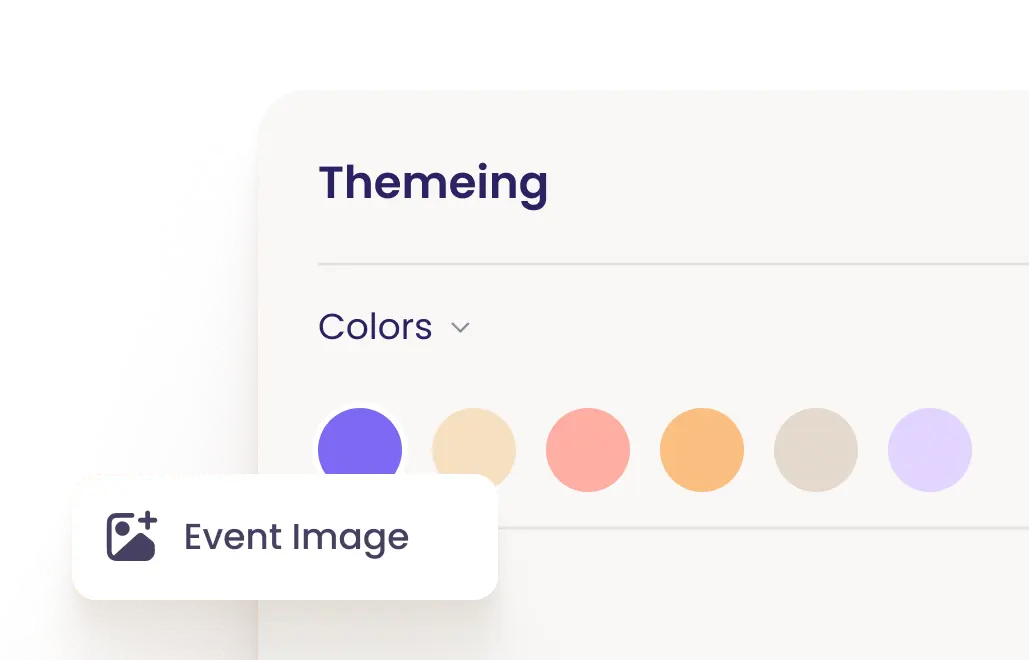
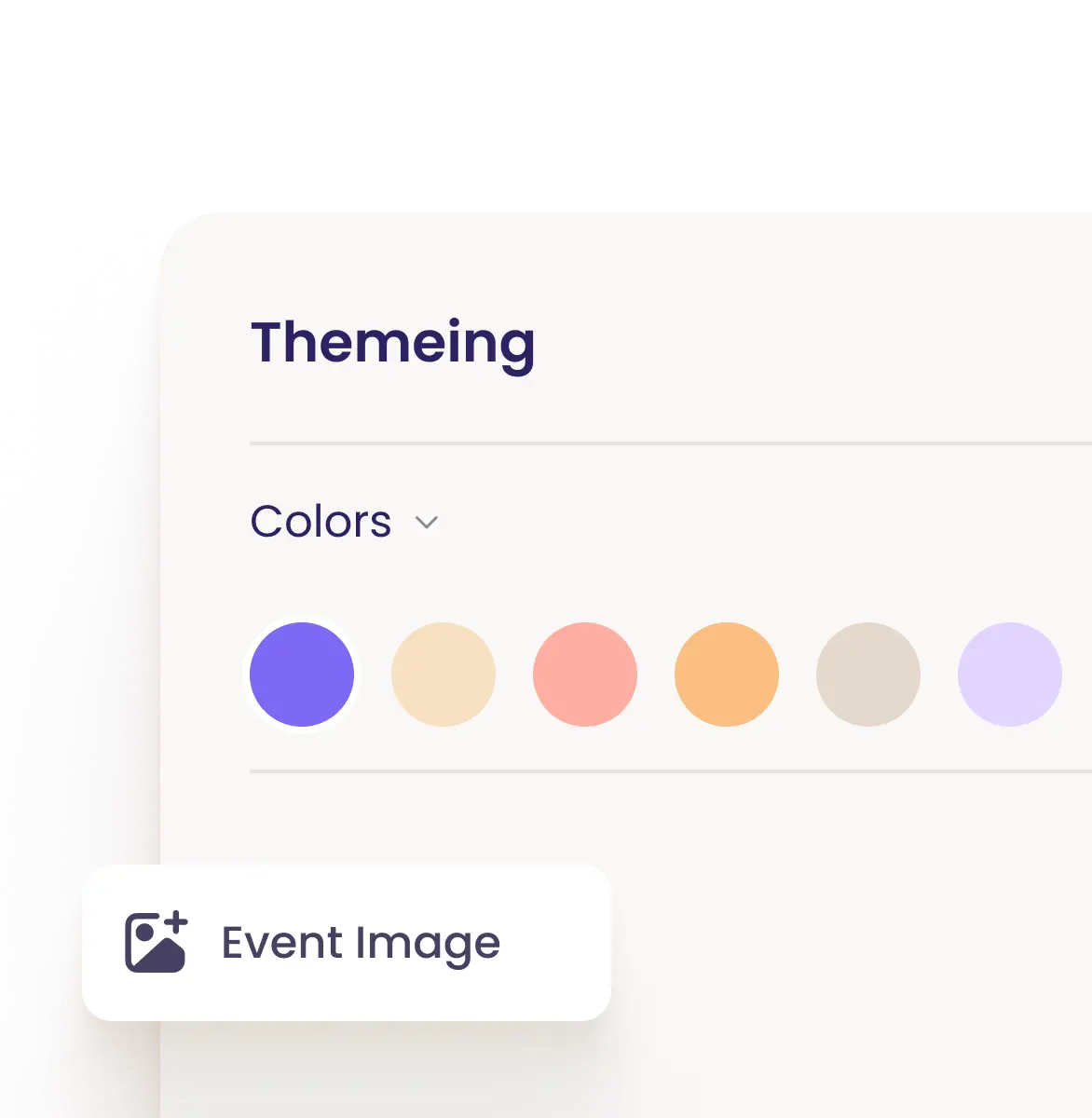
Create stunning friendsgiving invitations that reflect your celebration's personality. Upload your own photos, choose autumn colors, add your custom wording, and design invites that get your friends excited. Share via email, text, or social media—no paper invitations needed unless you want them.
Learn More
Real-Time RSVP Tracking
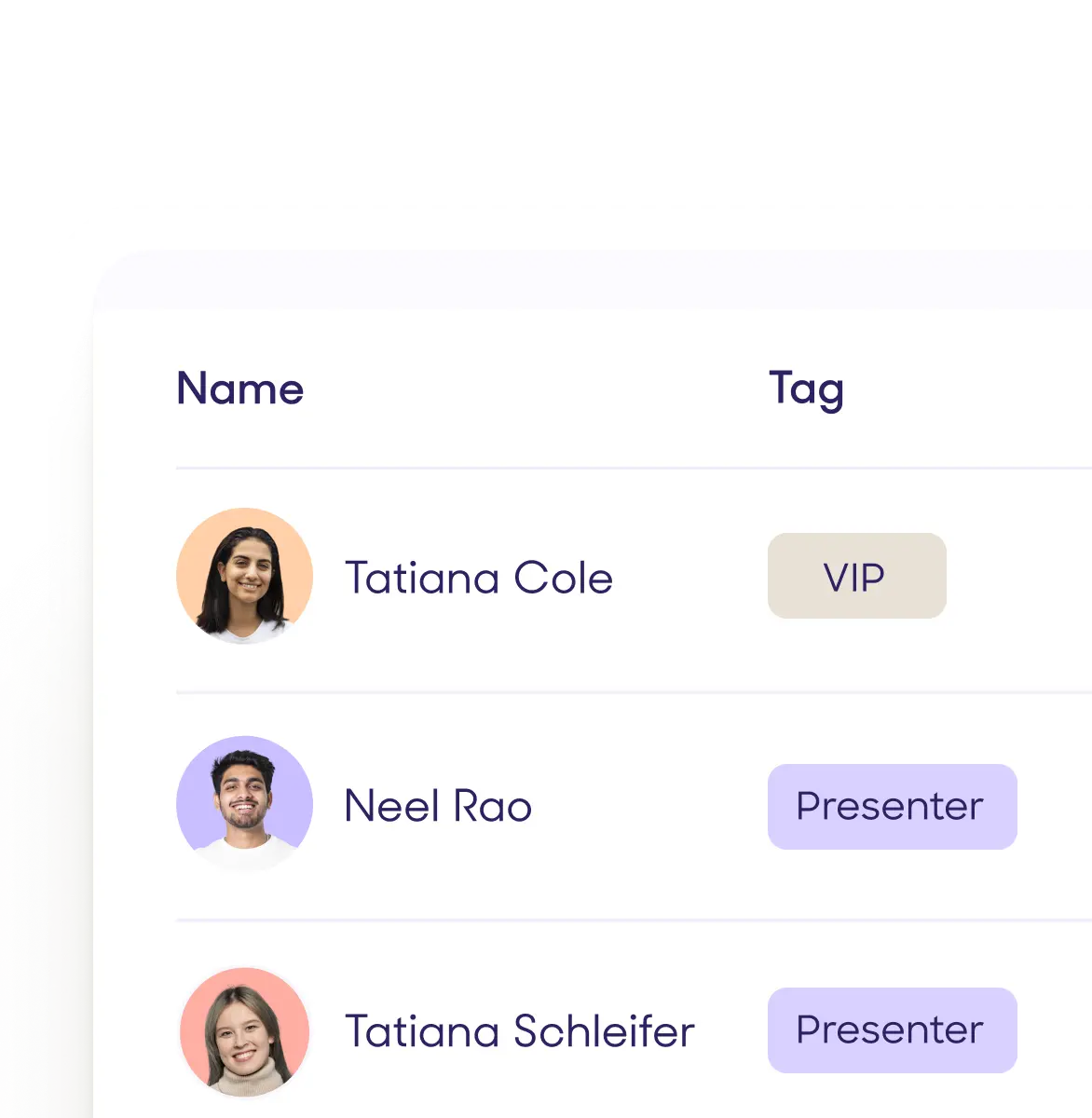
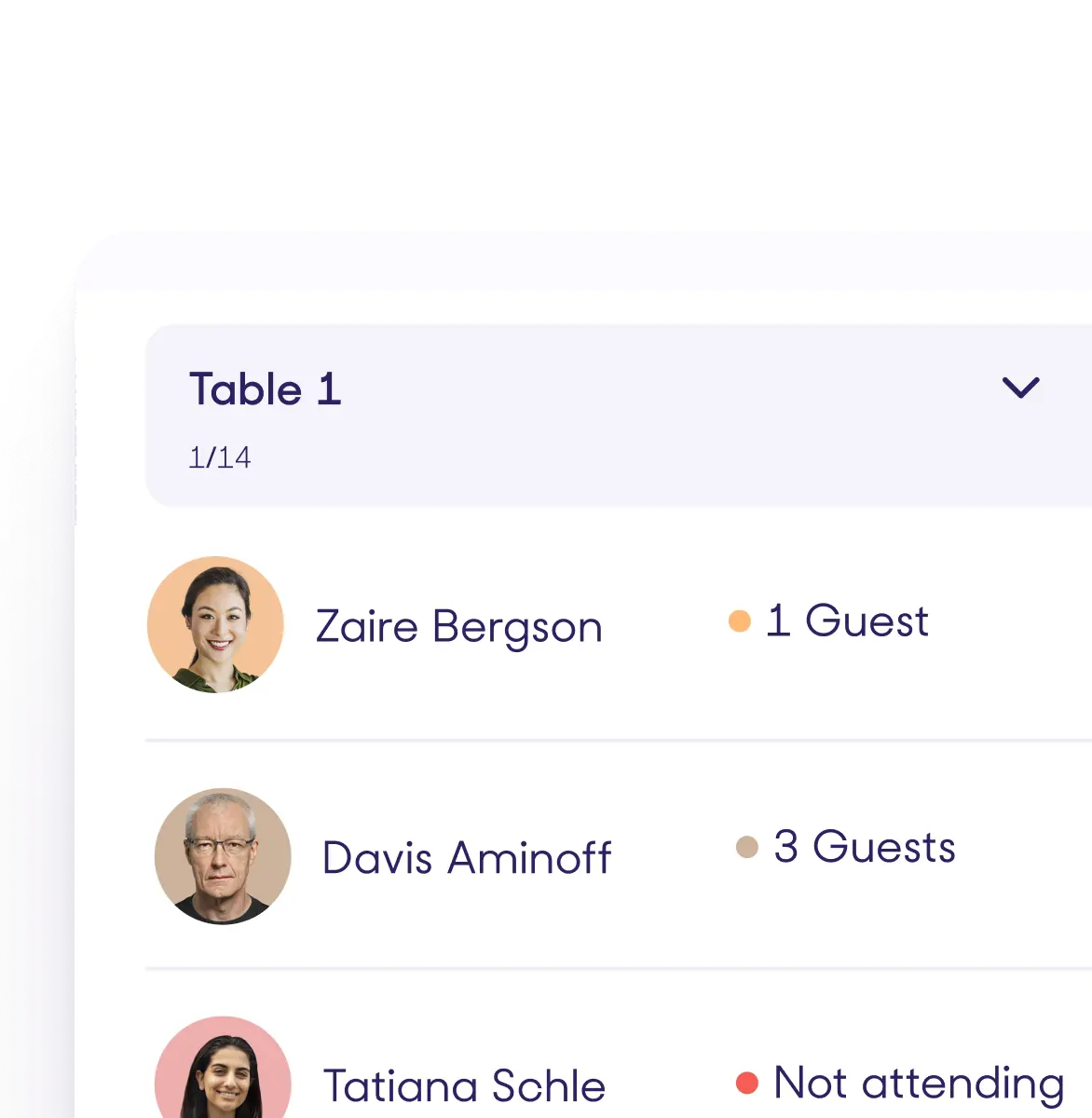
Know exactly who's coming to your Friendsgiving at a glance. Your dashboard updates instantly when guests respond, so you always have an accurate headcount for planning food and seating. Get email notifications when friends RSVP, and easily see who hasn't responded yet.
Learn More
Custom Questions for Potluck Coordination
Make potluck planning effortless by asking guests what dish they're bringing right in your RSVP form. Add custom questions about dietary restrictions, drink preferences, or whether they're bringing a plus-one. No more endless group text threads trying to coordinate who's bringing what.
Learn More
Automated Email Reminders
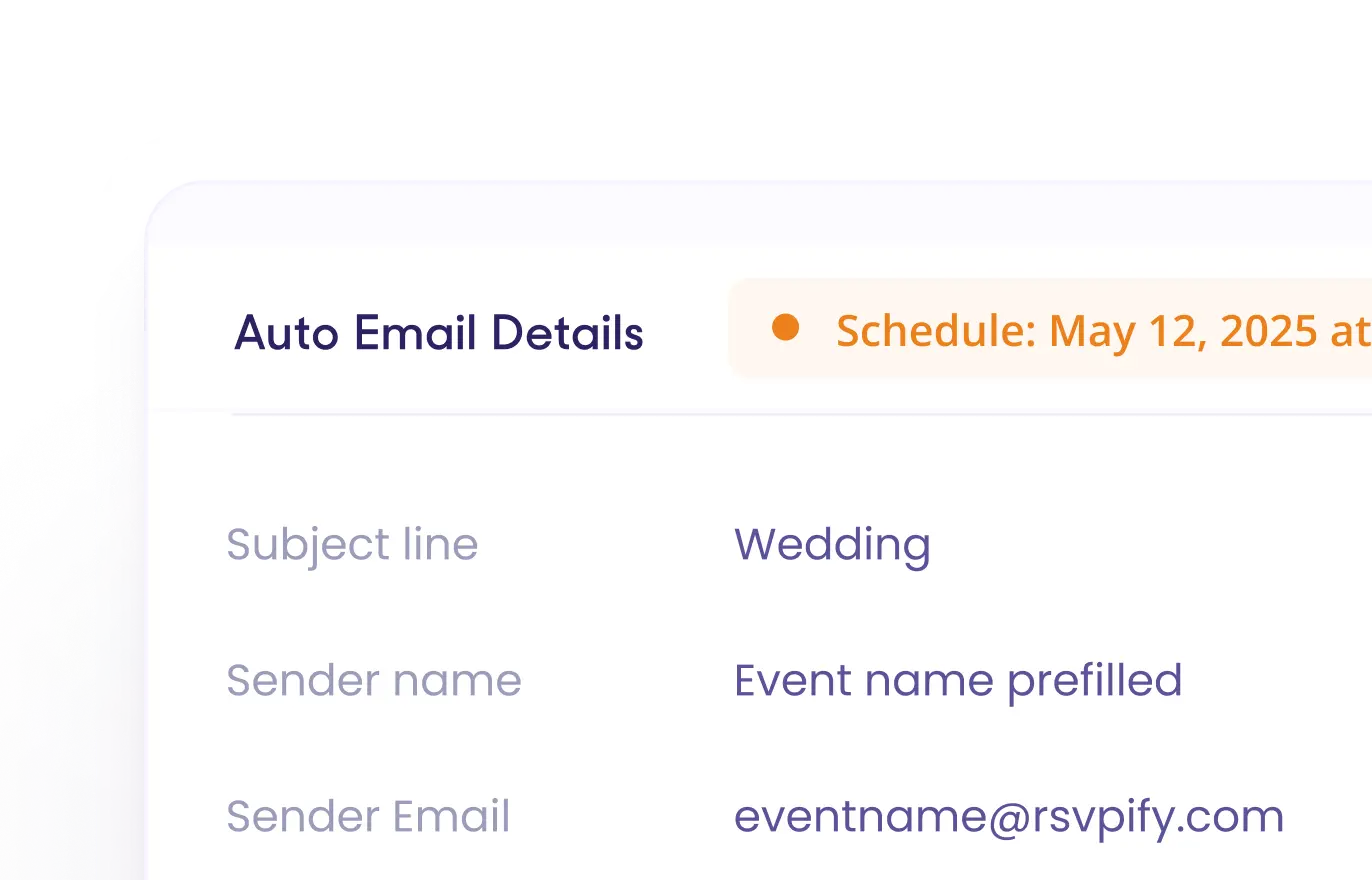
Send friendly reminders to guests who haven't responded yet, or share last-minute details with everyone who's coming. Schedule emails in advance so you don't forget, and personalize messages to make your friends feel special. All communication happens right from your RSVPify dashboard.
Learn More
Mobile-Friendly for Guests
Your friends can RSVP from any device in just a few taps—whether they're on their phone, tablet, or computer. The experience is smooth and simple, so you'll get responses quickly without any technical headaches for your guests.
Learn More
Event Website Builder
Create a beautiful, custom event website for your Friendsgiving with all the details in one place—date, time, location, what to bring, parking info, and more. Share one simple link and give your guests everything they need to know. No coding or design skills required.
Learn More
From sending your first friendsgiving invitations to checking guests in at the door, RSVPify gives you all the tools to plan a stress-free celebration. Our platform is designed for real people planning real gatherings.
Customizable Online Invitations
Create stunning friendsgiving invitations that reflect your celebration's personality. Upload your own photos, choose autumn colors, add your custom wording, and design invites that get your friends excited. Share via email, text, or social media—no paper invitations needed unless you want them.
Learn More
Real-Time RSVP Tracking
Know exactly who's coming to your Friendsgiving at a glance. Your dashboard updates instantly when guests respond, so you always have an accurate headcount for planning food and seating. Get email notifications when friends RSVP, and easily see who hasn't responded yet.
Learn More
Custom Questions for Potluck Coordination
Make potluck planning effortless by asking guests what dish they're bringing right in your RSVP form. Add custom questions about dietary restrictions, drink preferences, or whether they're bringing a plus-one. No more endless group text threads trying to coordinate who's bringing what.
Learn More
Automated Email Reminders
Send friendly reminders to guests who haven't responded yet, or share last-minute details with everyone who's coming. Schedule emails in advance so you don't forget, and personalize messages to make your friends feel special. All communication happens right from your RSVPify dashboard.
Learn More
Mobile-Friendly for Guests
Your friends can RSVP from any device in just a few taps—whether they're on their phone, tablet, or computer. The experience is smooth and simple, so you'll get responses quickly without any technical headaches for your guests.
Learn More
Event Website Builder
Create a beautiful, custom event website for your Friendsgiving with all the details in one place—date, time, location, what to bring, parking info, and more. Share one simple link and give your guests everything they need to know. No coding or design skills required.
Learn More




It's really easy! Most people create their friendsgiving invitations in under 10 minutes. Just pick a template or start from scratch, add your event details, customize the colors and images to match your vibe, and you're ready to send. No technical skills needed—if you can send an email, you can use RSVPify.
Absolutely! You have full control over how your friendsgiving invitations look. Upload your own photos or graphics, choose custom colors that match your fall aesthetic, adjust fonts, and write your invitation text exactly how you want it. Make it cozy and casual or elegant and formal—it's completely up to you.
Your friends simply click the link in your invitation and fill out a quick form—it takes less than a minute. They can RSVP from their phone, computer, or tablet. You can ask them about dietary restrictions, what dish they're bringing, or any other questions you need answered. They can even update their RSVP later if plans change.
Yes! Add custom questions to your RSVP form asking guests what they plan to bring. You can see all responses in your dashboard, so you'll know exactly what food is covered and what you still need. No more duplicate dishes or forgotten sides—everything is organized in one place.
RSVPify makes guest communication super easy. Send email reminders to friends who haven't responded yet, or message everyone with last-minute details like parking instructions or a weather update. You can schedule emails ahead of time or send them instantly—all from your dashboard.
Yes! RSVPify is free for events with up to 100 guests, which is perfect for most Friendsgiving celebrations. You get access to beautiful invitation templates, RSVP tracking, custom questions, and guest communication tools at no cost. If you need premium features or have a larger gathering, affordable upgrade options are available.

RSVPify is honored to be recognized for its innovation, intuitive event software functionality, and exceptional customer support.