

Trusted by over a million event creators
Client Appreciation Events
Create business-boosting client appreciation events with RSVPify. Design custom registration flows, send invites, communicate with guests, and measure event ROI.
Create business-boosting client appreciation events with RSVPify. Design custom registration flows, send invites, communicate with guests, and measure event ROI.
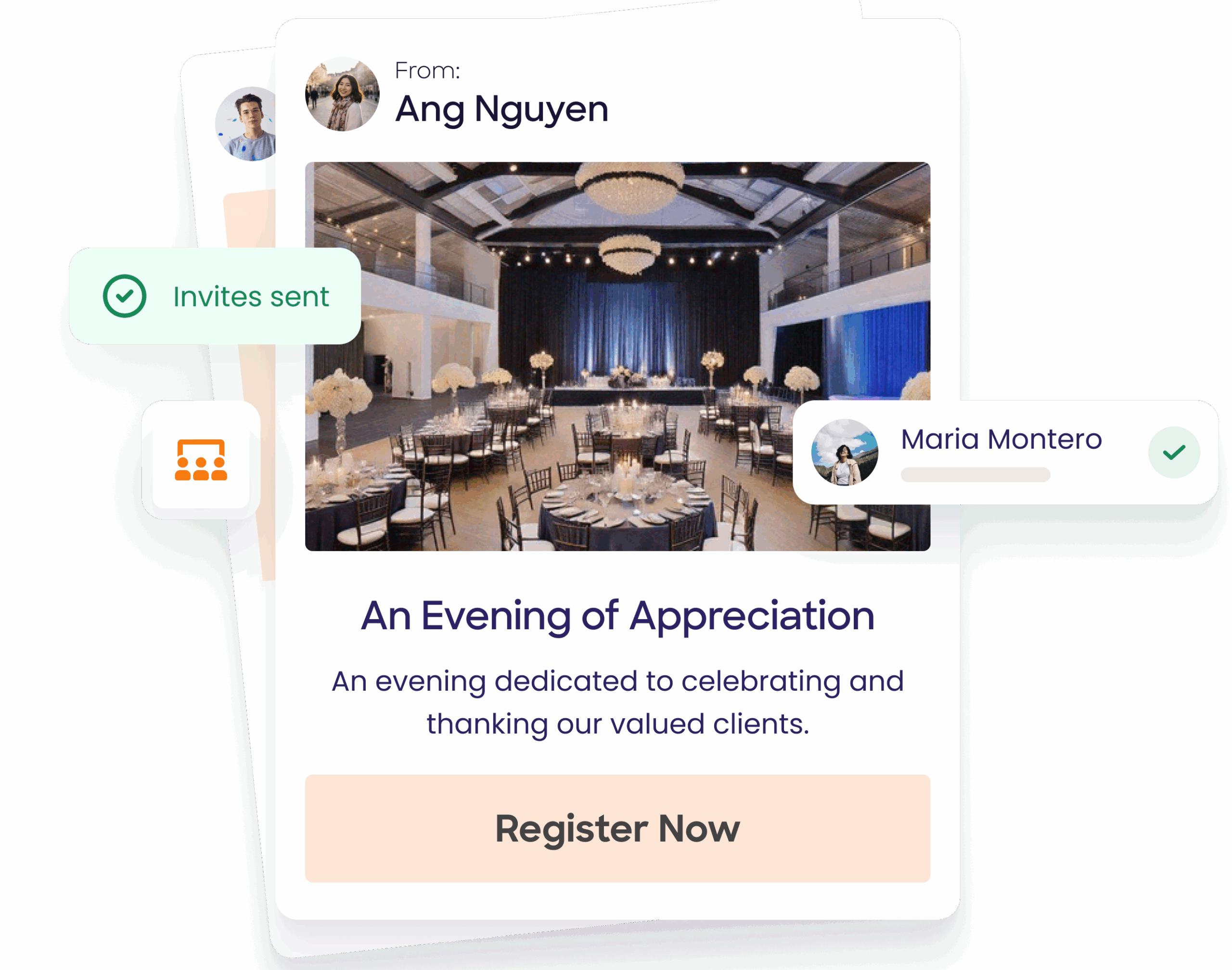















Build loyalty + strengthen relationships:


Create personalized moments:


Measure impact and deepen engagement:


Completely integrate your organization’s branding.

Collect payments + donations or manage ticket sales easily.
Admit attendees using any Internet-connected device to create a seamless check-in experience.

From small donor networking events to annual fundraising galas.






RSVPify is used for client dinners, VIP receptions, holiday parties, appreciation galas, sporting events, wine tastings, executive breakfasts, and customer thank-you events.
Yes. You can restrict events to invited guests, use access codes, or limit registration by email domain or guest list to ensure only selected clients can attend.
Absolutely. You can customize emails and event pages with client names, company names, or tailored messaging for different segments or VIP tiers.
Yes. RSVPify allows you to tag and segment guests by account owner, region, spend level, or custom CRM fields—making it easy to invite or communicate with specific groups.
Yes. You can allow clients to bring guests, spouses, or colleagues, while still tracking each attendee individually.
Yes. RSVPify tracks RSVPs, attendance, check-in times, form responses, and engagement data that can be exported and tied back to CRM or revenue reporting.
Yes. RSVPify integrates with Salesforce, HubSpot, and other systems via direct integrations, exports, Zapier, or API connections
Yes. You can set capacity limits, enable waitlists, and automatically promote guests when space becomes available.
Yes. You can assign seating, collect meal preferences, track dietary needs, and flag VIPs or accessibility requirements.
Yes. RSVPify supports automated confirmations, reminders, event updates, and follow-up emails—keeping communication timely and professional.