Trusted by 150,000+ event teams G2 4.8 ★★★★★ Capterra 4.8 ★★★★★ SOC 2 Type II View all features → Book a demo

Pricing
back-icon

Back to all posts

March 26, 2025

Event Check-In Process: How to Make a Great First Impression, 2026 Guide

hero-image

For many attendees, the event check-in process is the first direct interaction with a brand. Whether an organization is hosting a corporate conference, a gala, or a product launch, a smooth and welcoming check-in sets the tone for the entire experience. A poorly managed check-in, on the other hand, can frustrate guests and create a negative impression that lingers long after the event ends.

Why the Event Check-In Experience Matters

Check-in is more than a logistical step. It is the first live brand touchpoint, and it shapes how attendees perceive every moment that follows. Event professionals often cite the arrival moment as one of the most critical touchpoints for shaping attendee perception, which means event teams have an extremely narrow window to set the right tone.

The stakes are real. A smooth arrival builds goodwill that carries into sessions, networking, and sponsor interactions. A frustrating one creates a deficit that event teams spend the rest of the day trying to overcome. For organizations investing significant budgets in venue, catering, and programming, a chaotic arrival experience can undermine all of that effort before the opening remarks even begin.

Treating check-in as a strategic moment, not just a queue to get through, allows event planners to reinforce professionalism, build trust, and create momentum for the rest of the day.

Common Event Check-In Mistakes

The following are among the most common event check-in mistakes and how they can impact attendees, collaborators, or guests:

  • Long lines and slow processing. Long lines, extended wait times, confusing directions, and poor pre-event communications consistently rank as the most damaging first impressions an event can make. Most attendees tend to arrive in a concentrated window near the event start time, making those opening moments especially critical for staffing and throughput planning.
  • Confusing or poorly marked check-in stations. Think of this as the close runner-up to the first issue. Confusing or frustrating guests who simply want to get in and enjoy the event, or reach the speaker session they are eager to attend, is another way to set the mood poorly before the event even begins.
  • Technical glitches and registration errors. Beyond logistical headaches, these types of problems can give an unprofessional or disorganized look to a brand. That is not ideal for organizations hoping to convince attendees or potential customers to purchase goods or services at the event itself.
  • A cold entrance. Especially important for events like grand openings and product launches, a lackluster arrival can undermine excitement. Organizations trying to build energy around a brand should make guests feel welcome as soon as they arrive at the venue. No one likes to feel unwelcome, even if the chill is subtle or unintentional.

How to Create an Excellent Event Check-In First Impression

To create a seamless and memorable check-in experience, event organizers should focus on both digital and physical elements of the process.

Digital Check-In Solutions

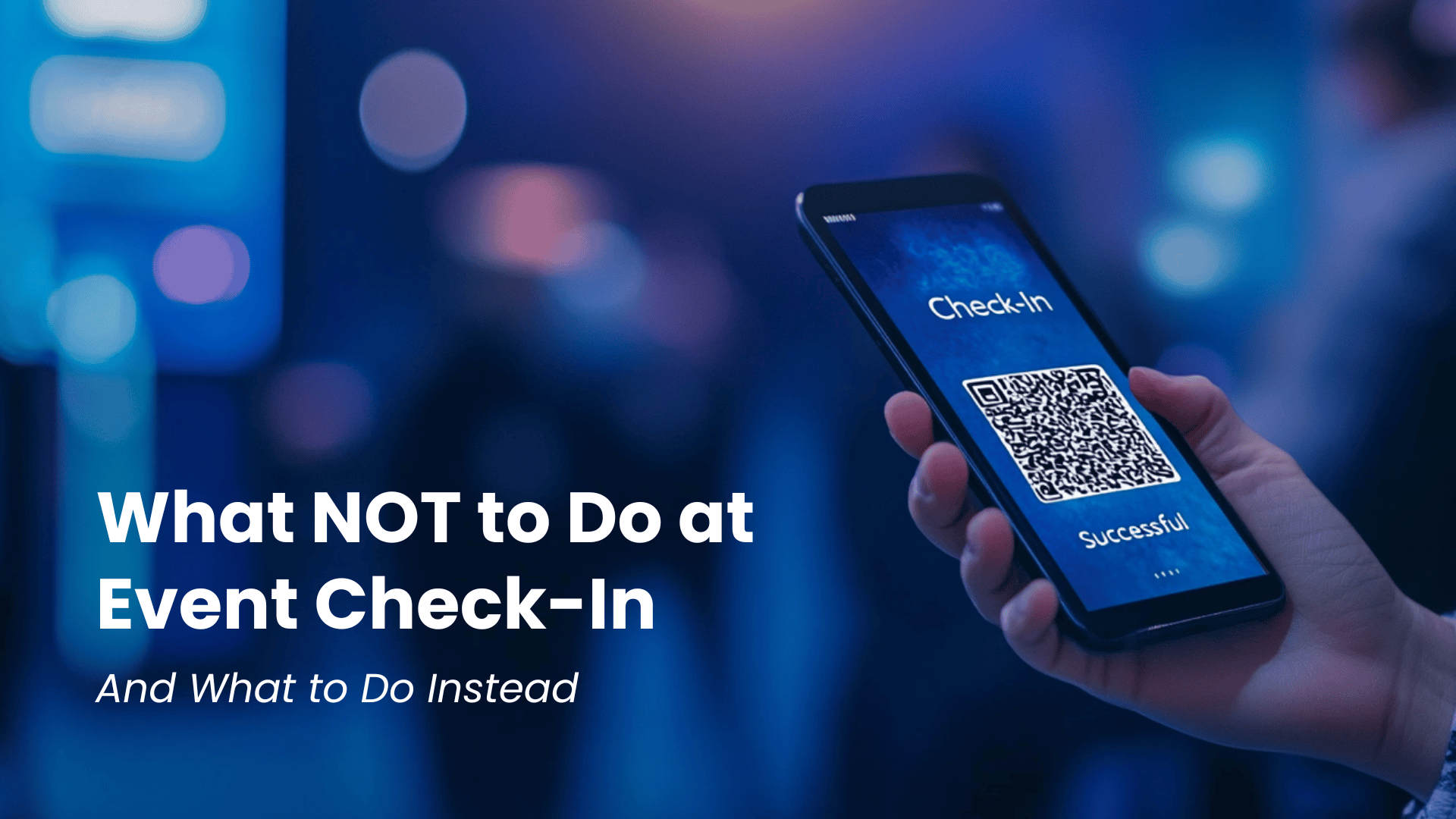
  • QR code check-in. Allowing guests to scan unique QR codes for instant entry is one of the fastest ways to reduce wait times. Each attendee receives a scannable code tied to their registration, so staff can verify identity and event access in seconds. This approach eliminates manual name searches and keeps lines moving.
  • Pre-event registration and guest list syncing. When event teams pre-load and sync attendee details ahead of time, verification becomes nearly instant. Event teams can resolve data discrepancies before the doors open, reducing friction at the check-in desk and freeing staff to focus on hospitality rather than troubleshooting.
  • Automated badge printing. On-demand badge printing lets organizers print customized badges the moment a guest checks in. Badges can include names, titles, session tracks, and dietary preferences, adding a professional, personalized touch while eliminating the need to pre-sort stacks of lanyards.
  • Self check-in kiosks. Empowering guests to check themselves in reduces staffing requirements and speeds up throughput. Kiosks work especially well for tech-savvy audiences at conferences and trade shows, where attendees appreciate the autonomy and the shorter wait.
  • Real-time attendance tracking. Monitoring check-in activity as it happens gives event teams live visibility into arrival patterns. That data supports crowd management decisions in the moment and feeds directly into post-event follow-ups and reporting.
  • Integrated communication features. Sending automated SMS or email confirmations with check-in details, venue maps, and parking instructions improves attendee preparedness. Clear pre-arrival communication reduces confusion and questions at the door.
  • Pre-event communication and arrival instructions. A well-timed sequence of pre-event messages can transform the check-in experience before attendees even arrive. Sharing parking details, entrance locations, and what to have ready (such as a QR code or confirmation email) through an event registration workflow reduces bottlenecks and sets expectations early.

On-Site Check-In Enhancements

  • Clear signage and dedicated entry points. Visible, well-placed signage ensures guests can locate the check-in area without asking for help. Dedicated entry points for different registration types (general admission, VIP, speakers) reduce cross-traffic and confusion.
  • Trained and equipped check-in staff. Friendly, well-informed staff members make the check-in experience more welcoming. Providing team members with tablets, printed backup lists, and a brief on common guest questions ensures they can handle any situation with confidence.
  • Branded check-in stations. Using banners, table wraps, or digital screens to reinforce brand identity at the entrance creates an immersive experience from the first step. A polished, on-brand check-in area signals that every detail of the event has been carefully planned.
  • Welcome gifts or refreshments. A small branded gift, a welcome drink, or even a simple snack station near check-in can set a positive tone right away. These small gestures ease the wait and leave guests feeling valued before the event program begins.
  • VIP or fast-track line. Providing an express lane for returning attendees, sponsors, or VIPs communicates that the organization recognizes and appreciates their loyalty. Fast-track access also reduces congestion in the general check-in queue.
  • Digital display for live check-in updates. Showing attendee names or personalized welcome messages on a screen adds a memorable, interactive touch. Live displays can also share event schedules, sponsor shout-outs, or social media walls to keep the energy high during arrival.
  • Walk-in and last-minute registration handling. Not every attendee will be on the pre-loaded guest list. Having a clear process for walk-ins, including on-the-spot registration through a guest list management tool, prevents bottlenecks and ensures no one is turned away unnecessarily. Designating a separate station for walk-ins keeps the main check-in line flowing.

How to Choose Event Check-In Software

With so many options available, selecting the right check-in platform requires a clear set of evaluation criteria. Event planners should prioritize tools that match the scale, complexity, and goals of their events.

QR code scanning speed matters most during peak arrival windows. The fastest platforms process each scan in a matter of seconds, keeping lines short even when hundreds of guests arrive at once. Real-time attendance dashboards give organizers instant visibility into who has arrived, who is missing, and how capacity is tracking against projections.

Badge printing integration should be seamless, not a separate workflow. Look for platforms that trigger on-demand badge printing the moment a guest checks in, with full customization for layout, branding, and attendee-specific details. Self-service kiosks extend capacity without adding staff, and the best solutions support both attended and unattended modes.

Offline capability is a non-negotiable for venue environments where Wi-Fi may be unreliable. Platforms like RSVPify's event check-in app allow check-in to continue uninterrupted, syncing data automatically once the connection returns. Mobile device support ensures that staff can check in guests from any position on the floor using smartphones or tablets, not just fixed stations.

Finally, the right event management software should connect check-in data to the rest of the event workflow: registration, communications, reporting, and follow-up. An integrated platform eliminates data silos and gives teams a single source of truth from planning through post-event analysis.

Frequently Asked Questions

What is the best way to check in attendees at an event?

The most efficient approach combines digital tools with well-trained staff. QR code scanning tied to a pre-loaded guest list allows for near-instant verification, while self-service kiosks let attendees check themselves in. Pairing technology with friendly, prepared staff ensures that edge cases are handled smoothly without slowing down the main line.

How many check-in stations does an event need?

A common guideline is one check-in station for every 75-100 expected attendees during peak arrival. Events with staggered arrival times or multiple session tracks may need fewer stations, while single-entry events with tight start times may need more. Running a brief test with projected arrival patterns helps organizers fine-tune the setup.

How can event organizers speed up check-in lines?

Pre-event communication is the single biggest lever. When attendees arrive with their QR code ready and know exactly where to go, check-in times drop dramatically. On-site, adding self-service kiosks, using alphabetical or category-based line splits, and ensuring reliable Wi-Fi (or offline-capable software) all contribute to faster processing.

What should event staff do if an attendee is not on the guest list?

Having a dedicated walk-in station prevents unlisted guests from blocking the main check-in flow. Staff at that station can verify the guest's identity, process on-the-spot registration, and issue a badge, all without disrupting the experience for pre-registered attendees. A guest list management platform with real-time editing capabilities makes this process seamless.

Is mobile check-in better than printed lists?

Mobile check-in is faster, more accurate, and far easier to update in real time. Printed lists require manual searching, cannot reflect last-minute changes, and offer no data capture for post-event reporting. Mobile solutions also support QR scanning, badge printing triggers, and live attendance dashboards, giving organizers capabilities that paper simply cannot match.

Make Check-In the Start of a Great Event

A well-executed check-in process does more than move people through a door. It builds confidence, reinforces professionalism, and gives every attendee a reason to feel good about what comes next. By combining the right technology with thoughtful on-site planning, event teams can turn a routine logistical step into a powerful first impression.

Create Your Event

About the Author

Adam Hausman co-founded RSVPify in 2013 and has been passionate about event tech and ticketing software ever since. Also founder of Greenlight Growth Marketing, he holds degrees from Indiana University (BA English/Psychology 2008) and the University of Illinois-Chicago (M.Ed. Secondary Education 2012). He lives in Maine with his wife, 2 kids, and 2 annoying cats.

Stay ahead with RSVPify

Get the latest product updates, event planning tips, and industry insights — straight to your inbox.

You can unsubscribe at any time. Your email will only be used to send RSVPify updates and will never be shared.

bottom hero